Before you put on the headset
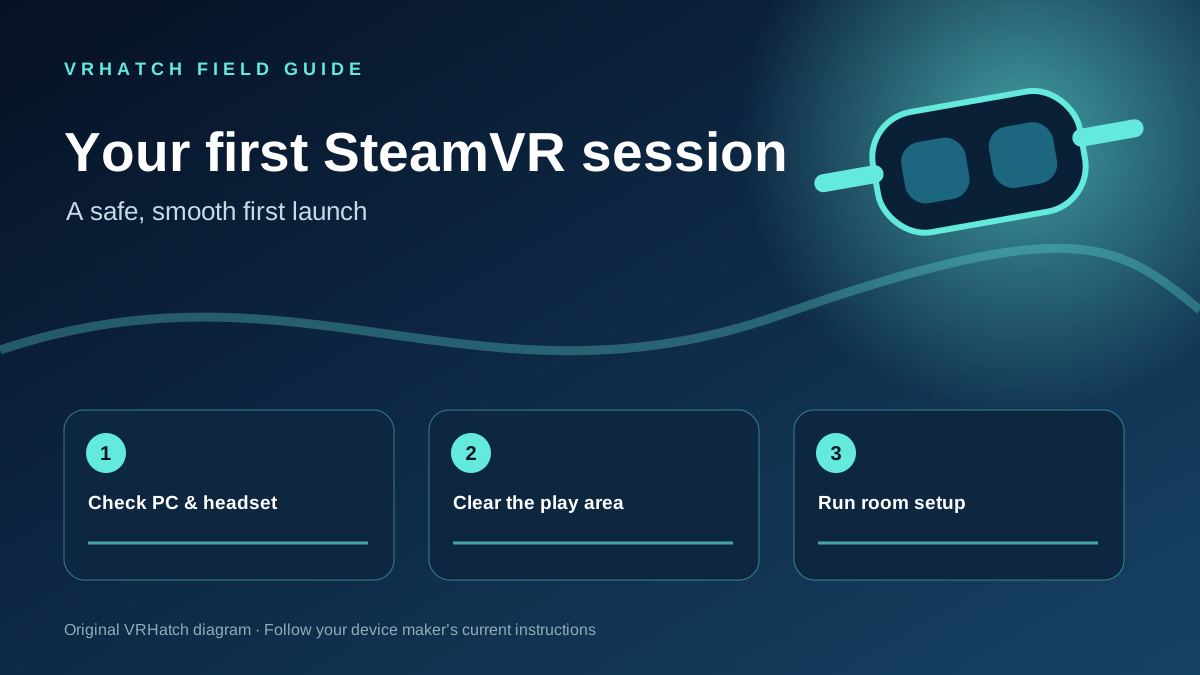
Install SteamVR and check the minimum PC requirements for your exact headset and game. Update graphics drivers if your headset maker recommends it. Choose a clear space where your arms and controllers will not hit furniture, walls or a ceiling fan. Keep cables away from your feet.
Set up the play area
Connect the headset and controllers, start SteamVR and wait for devices to show ready status. Follow your headset’s room setup instructions to define a safe boundary and floor height. Seated, standing and room-scale experiences need different amounts of space, so check the game’s play-mode label before starting.
Launch a short first session
Start with a comfortable experience and test tracking, audio and controller input. If the floor or forward direction feels wrong, rerun Room Setup from SteamVR. Pause if you feel discomfort; you can extend sessions gradually once the setup feels right.
References: Valve Index Setup Guide ↗ and SteamVR troubleshooting ↗. Follow your specific headset manufacturer’s setup instructions.
Last editorial update: 2026-11-07. Product details can change; check the linked source before making a purchase.