Start with where you can look
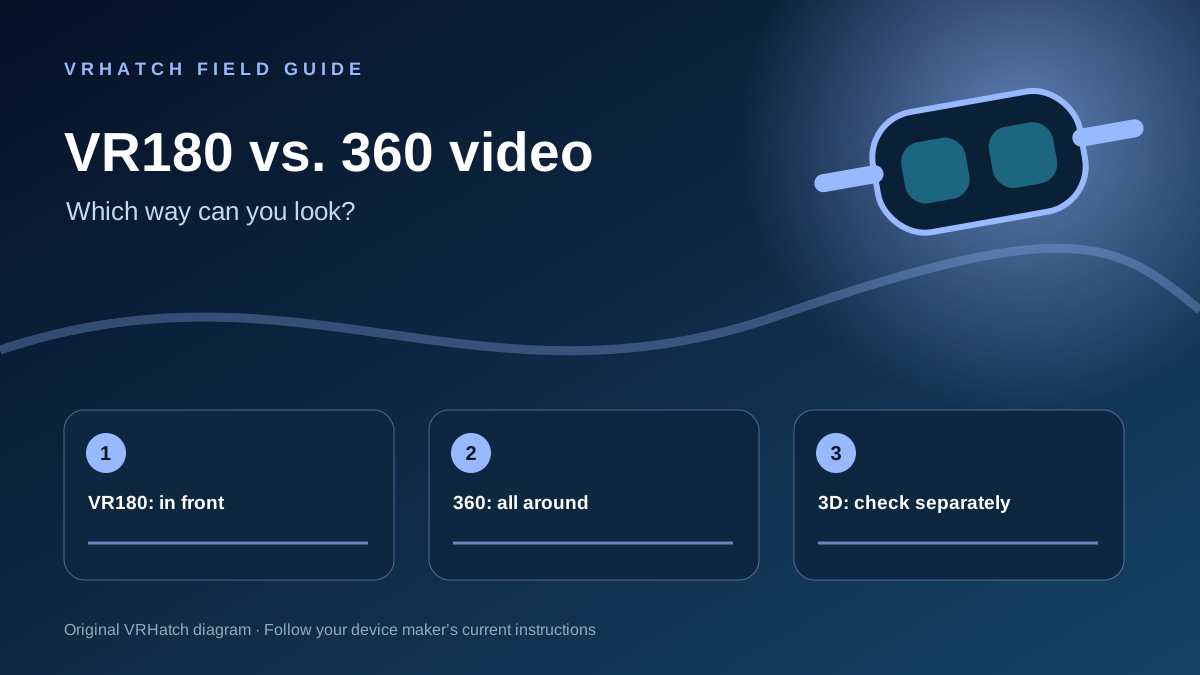
A VR180 video covers the scene in front of you. A 360 video lets you turn around to see the whole environment. Either format can be flat or stereoscopic, so “180” and “360” alone do not promise depth. Look for a separate 3D or stereoscopic label when depth matters to you.
Which one should you choose?
Pick VR180 when the subject is in front of you and you want a focused scene. Choose 360 when looking around is central to the experience: a location tour, a room, or an event. If a title says only “VR video,” check the player’s format label before assuming either.
Check the actual playback path
Confirm that the player and your headset both support the format. Try a short sample first. Resolution alone does not tell you how sharp the view will look once pixels are spread across a wide field of view. On YouTube, the viewer can rotate a 360 video on desktop; the platform also documents headset playback of 180 and 360 videos.
Reference: YouTube Help — Upload 180- or 360-degree videos ↗. This guide explains format choices; it does not certify a particular video or headset.
Last editorial update: 2026-11-06. Product details can change; check the linked source before making a purchase.