Choose an app that supports your headset
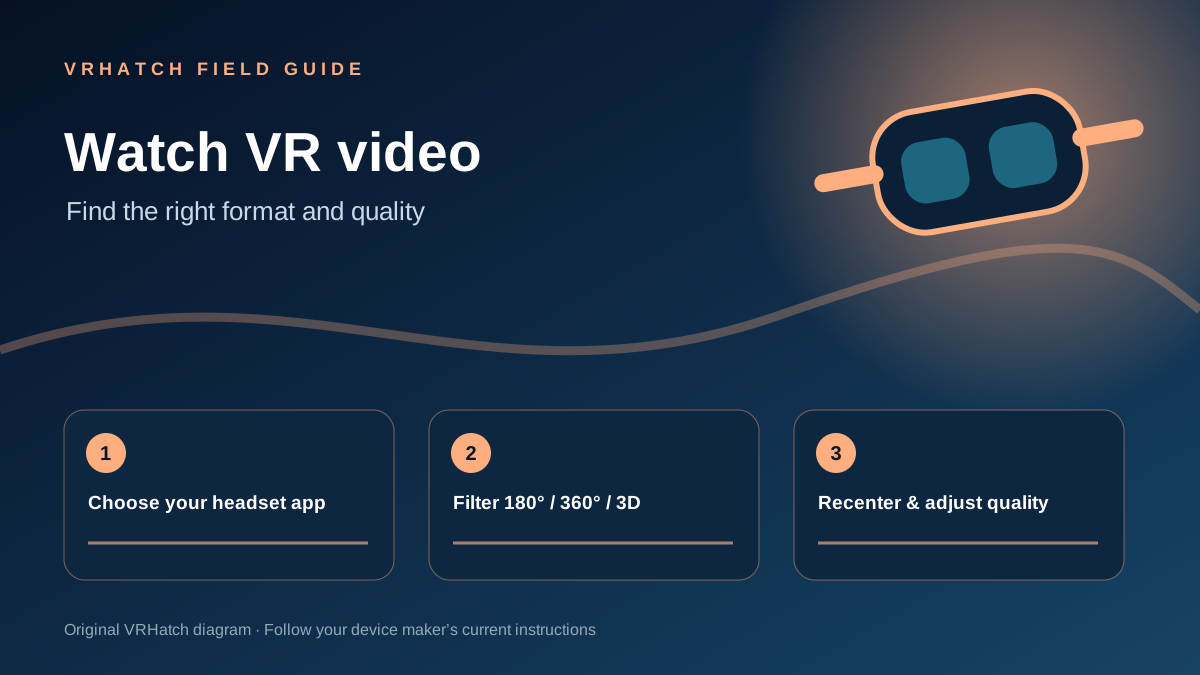
Open a VR video app available for your device. YouTube VR, for example, documents support for selected Meta Quest, PICO and Apple Vision Pro devices. The ordinary mobile browser is not always a substitute for a headset app.
Filter the format
Search for a topic, then narrow results by 360°, VR180 or 3D where the player offers those filters. A 360° video lets you look all around; VR180 focuses on the view in front of you. Check the 3D label separately if you want stereoscopic depth.
Adjust playback
Start a short sample, recenter your view and set quality to the best level your connection handles smoothly. If captions are available, turn them on from the player settings. If a clip looks flat or distorted, check its format setting and try another player or source.
Reference: YouTube Help — Get started with YouTube VR ↗. App support and controls vary by device.
Last editorial update: 2026-11-07. Product details can change; check the linked source before making a purchase.